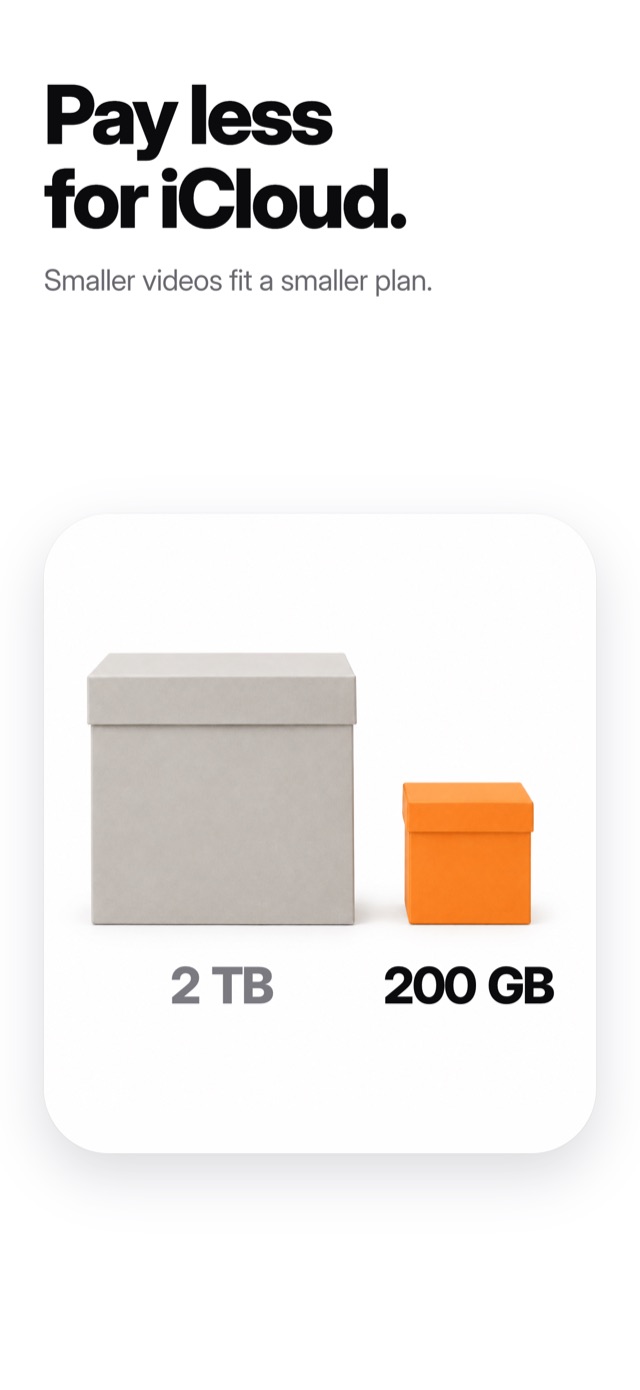
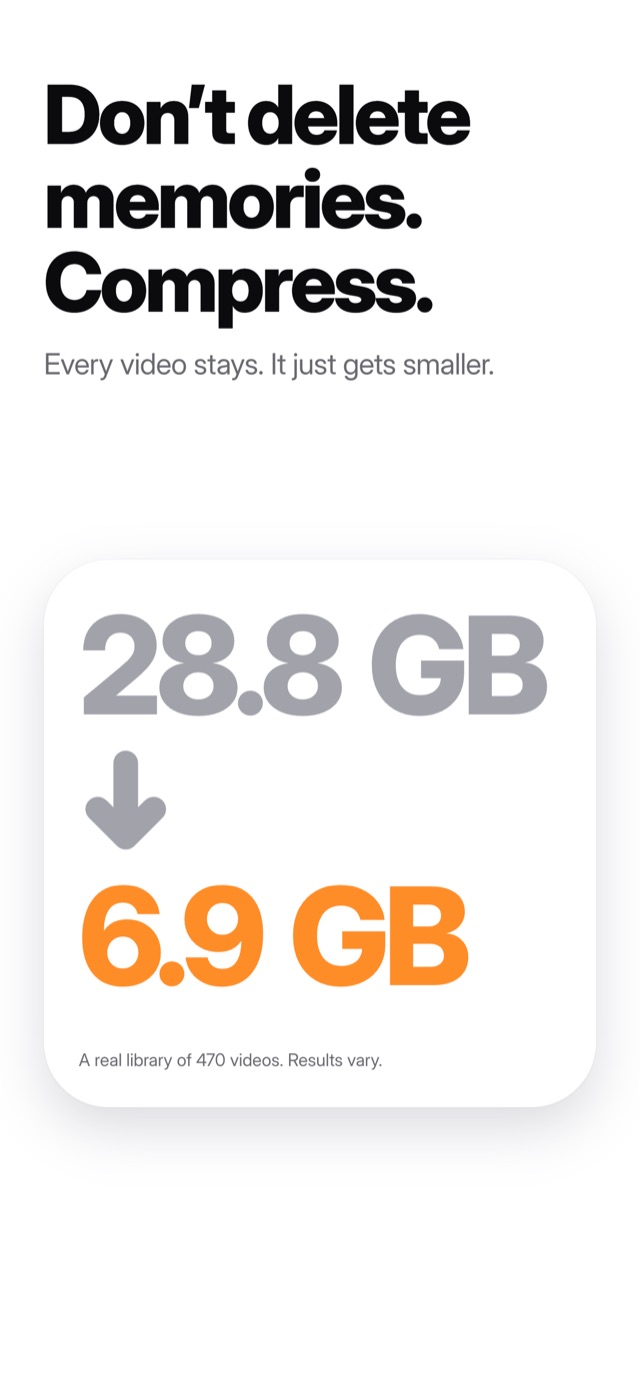
Don’t delete memories. Compress.

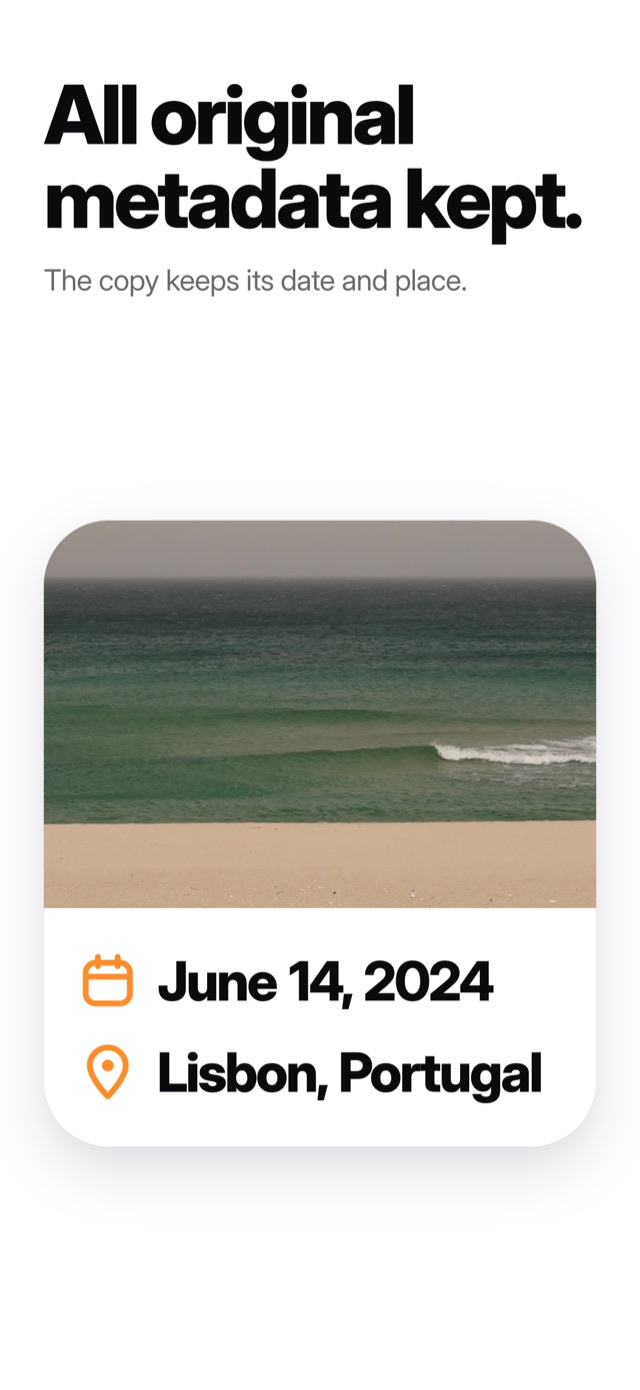
Accordion Compressor writes a smaller copy of your biggest videos back into Photos, with the same date and place, right next to the original. The original stays until you decide it can go.

View on the App Store

For iPhone and iPad. Free to try.
Three steps, and you stay in charge.

  1. Start with the biggest videos

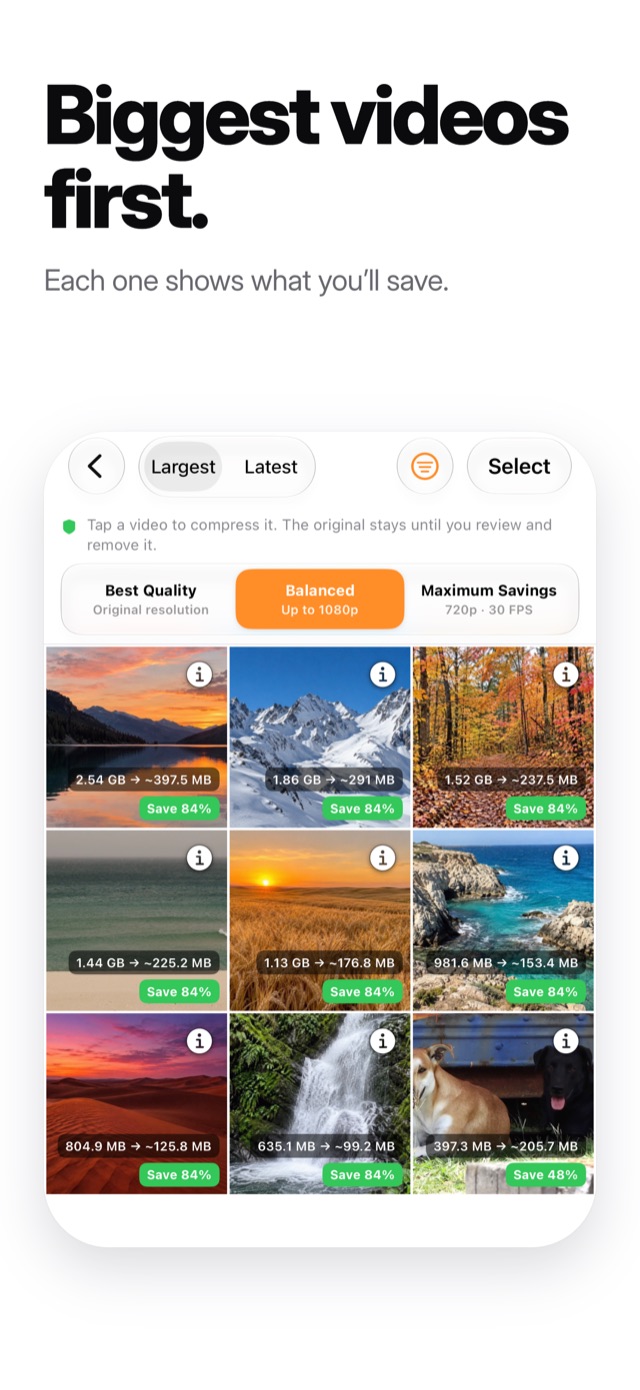
    Your library opens sorted by size, and every video shows how much it would save.

  2. Pick a quality

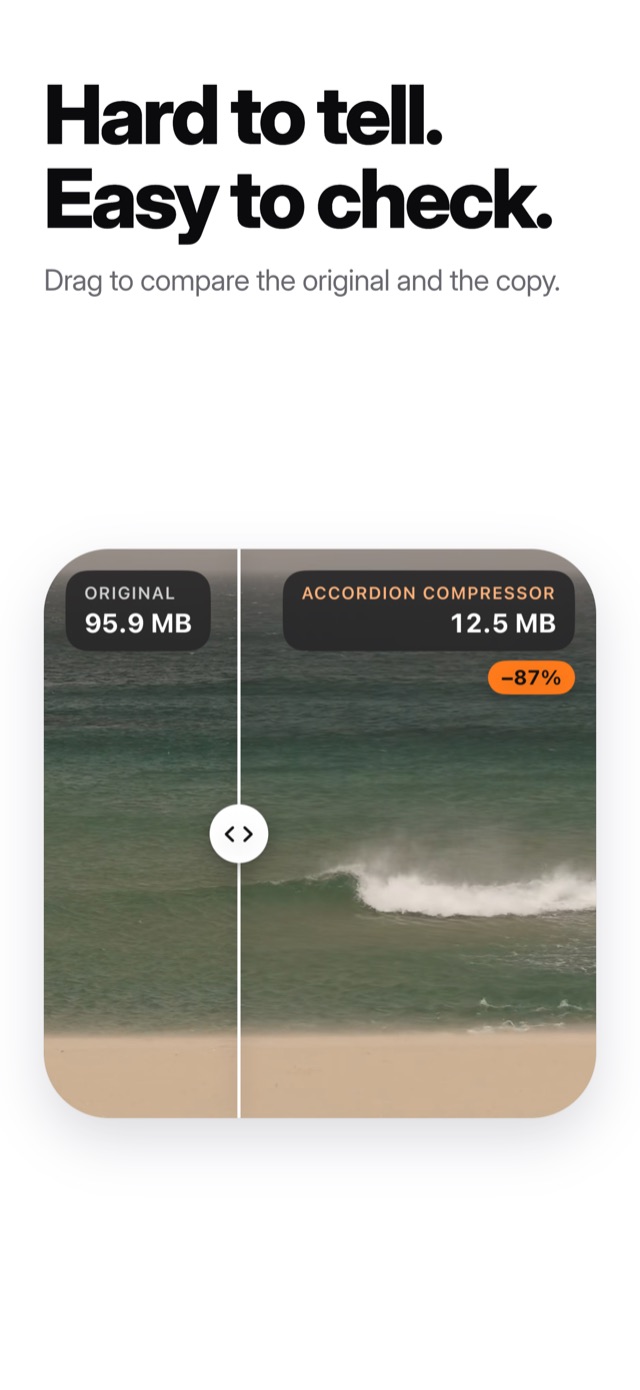
    Best Quality, Balanced or Maximum Savings. Drag across a sample to compare the original and the copy before you decide.

  3. Free the space when you’re ready

    The smaller copy is saved to Photos. Deleting the originals is your call, and they wait in Recently Deleted for 30 days.

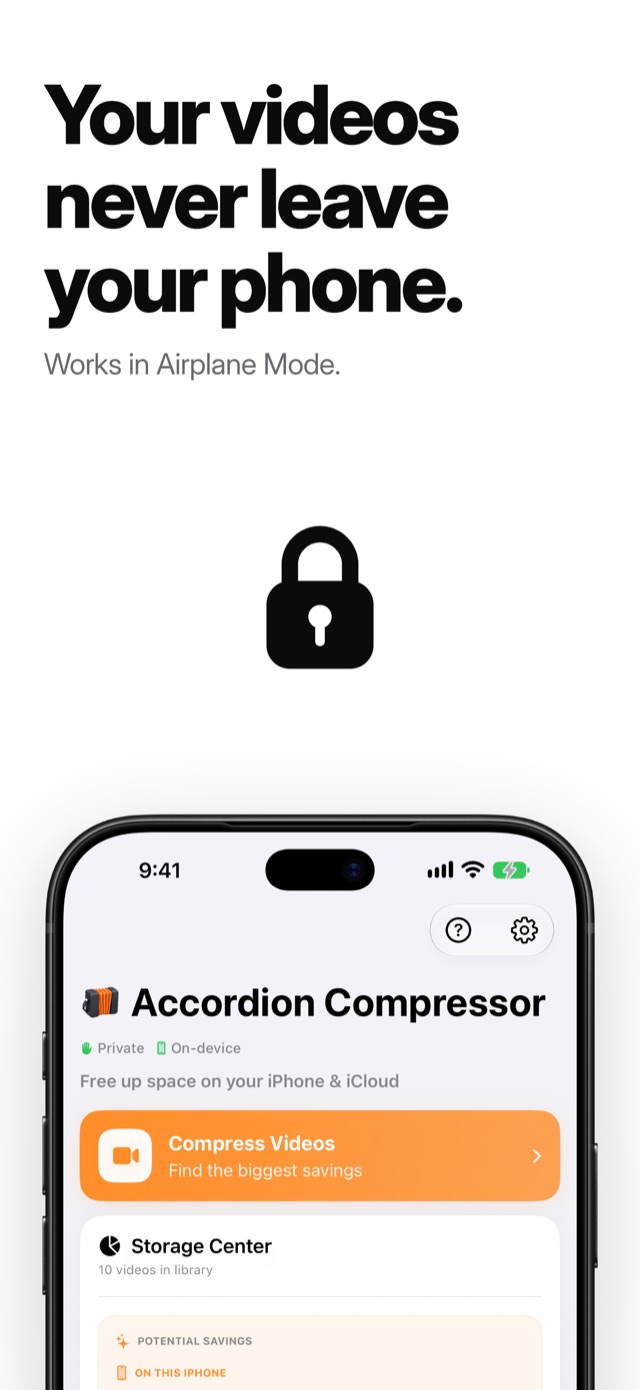
Your videos stay on your device.

Compressed right on your iPhone or iPad

Accordion Compressor never uploads your videos. Videos that live only in iCloud are downloaded to your device first, then compressed there.

Works from the Photos app too

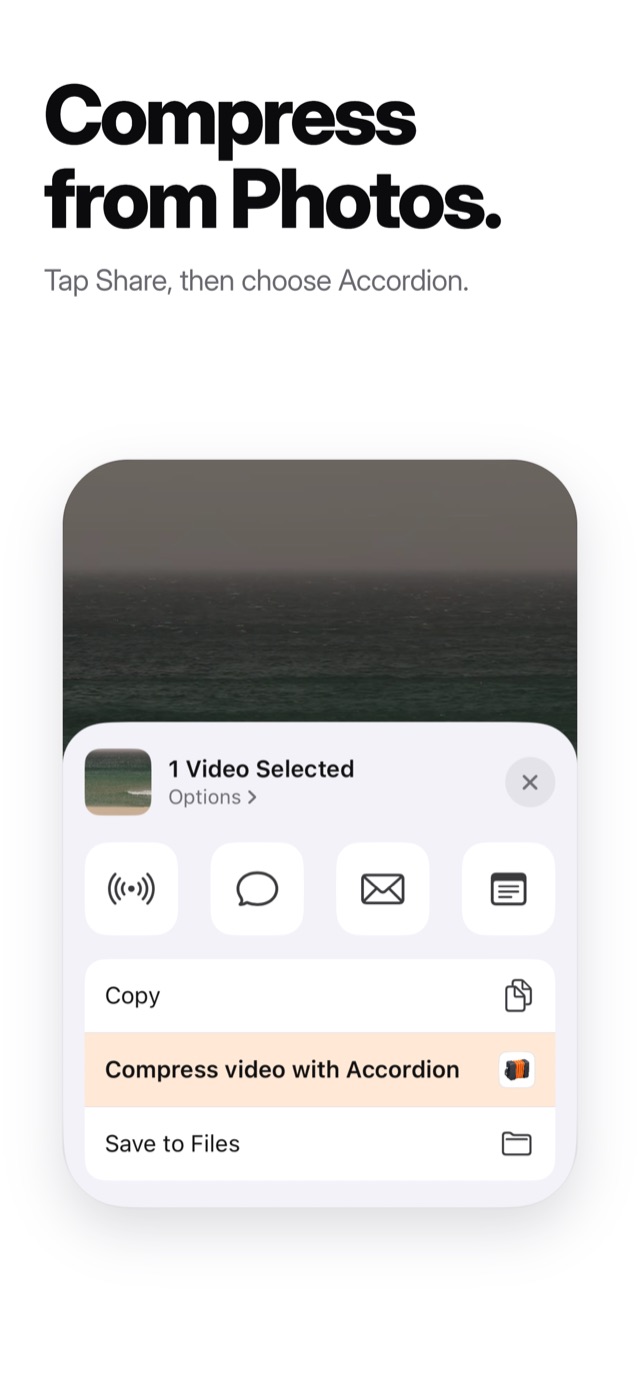
Open a video in Photos, tap Share, and choose “Compress video with Accordion”.

Free to try. Premium when you need more.

Free

Compress 3 videos every 24 hours, at every quality, with no watermark.

Premium

Removes the limit. Choose monthly, yearly, or pay once for life. Manage or cancel anytime in your Apple Account settings.

Every video stays.
It just gets smaller.